Yep. We handle that.
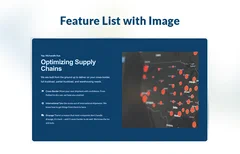
Optimizing Supply Chains
We are built from the ground up to deliver on your cross-border, full truckload, partial truckload, and warehousing needs.
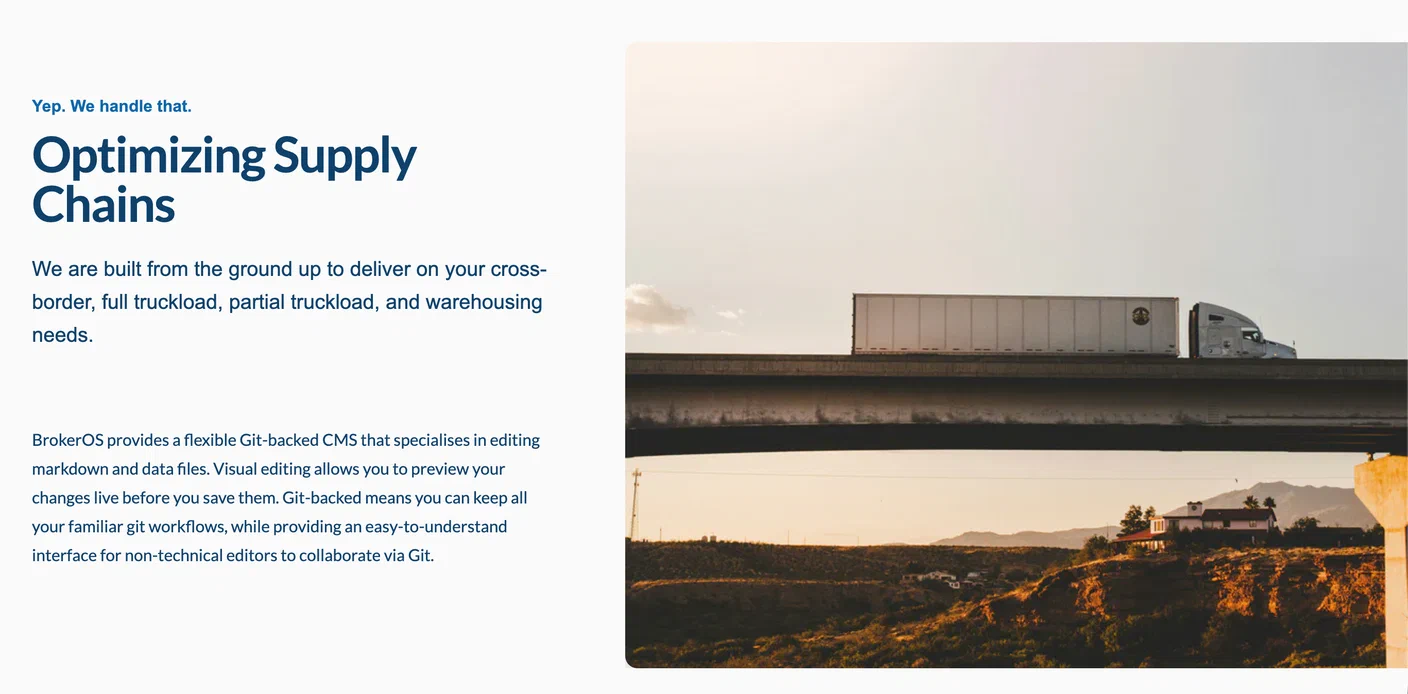
A photograph of a semi truck driving over a bridge.
BrokerOS provides a flexible Git-backed CMS that specialises in editing markdown and data files. Visual editing allows you to preview your changes live before you save them. Git-backed means you can keep all your familiar git workflows, while providing an easy-to-understand interface for non-technical editors to collaborate via Git.
Make the most of your web presence.
Contact us today to learn how we can help you grow your business through smart technology investments.
Pair fixed visual context with focused copy so visitors can understand a brokerage service as they scroll.
Use Sticky Image Content Section to Explain Brokerage Value Clearly
It works well when a page needs to explain multiple ideas, show how a service works, or make a capability easier to compare. The structure supports clarity and conversion while keeping the page connected to the broader BrokerOS Web system.
- Clear structure
- Break important services or strengths into focused sections that are easier for visitors to understand.

- Scannable messaging
- Make it easier for shippers and prospects to compare capabilities without reading dense blocks of text.
- Trust support
- Use concise copy and relevant context to create a more credible impression.
- Service clarity
- Explain what your brokerage does in a way that connects to real customer needs.
- Flexible placement
- Use this pattern on service overviews, homepage sections, about pages, or supporting pages where multiple ideas need structure.
- Conversion support
- Guide visitors toward the next step after they understand the message.
When to use this section
Use this pattern when your brokerage site needs to:
- When you need to explain a brokerage service or capability more clearly
- When your homepage or service page needs more structure and visual support
- When you want to break up long-form copy with more scannable sections
- When visitors need to compare multiple brokerage strengths quickly
- When service clarity should support the next conversion step
Ready to explain your brokerage more clearly?
We'll help you choose the right BrokerOS Web patterns for your brokerage site.
Best practices for using this pattern
- What kind of copy belongs in this pattern?
-
Use concise copy that explains a service, strength, or workflow in plain language. If a point needs more than a short paragraph, link to a deeper page instead of crowding the section.
- Where should this pattern appear on a brokerage site?
-
Use it after the hero, inside a service overview, or on a supporting page where visitors need a clearer explanation before taking action.
- Should the items link to deeper pages?
-
Yes, when each item represents a service line, lane, industry, or workflow that deserves more detail. Keep links specific so visitors know what they will get next.
- What kinds of visuals work best?
-
Use visuals that make the message more concrete: freight operations, platform screenshots, service diagrams, lane context, team photos, or proof points tied to the brokerage story.
- How much information is too much?
-
If the section starts to feel like a catalog, reduce the number of points or move detail to a deeper page. The goal is to make the message easier to scan, not to explain everything at once.